
REAL ESTATE CRM & LEAD AUTOMATION

CRM Lead Automation for Real Estate Teams

CRM Lead Automation helps real estate businesses capture, organize, assign, and follow up with inquiries through connected workflows.

Webzo360 connects supported website forms, landing pages, and Google Ads campaigns with your CRM, helping each inquiry reach the right person and move through a clear follow-up process.

Get a free proposal

Your advertising budget is paid directly to Google. Webzo360's fee covers the agreed strategy, campaign management, optimization, tracking, and reporting.

CRM & LEAD MANAGEMENT

Turn Incoming Leads Into an Organized Follow-Up System

Generating a lead is only the beginning. A well-planned Real Estate CRM & Lead Automation workflow helps your team see who needs a response, what has already been discussed, and what should happen next. We connect supported forms, email, spreadsheets, CRMs, and marketing platforms so inquiries can be organized and followed up consistently.

Lead Capture

Track lead stages and next steps with clear reporting and ongoing support.

Smart Routing

Assign each new inquiry to the right real estate agent, team member, or follow-up process.

Follow-Up Automation

Trigger timely emails, reminders, and tasks with automated lead follow-up workflows.

Pipeline Tracking

Track lead stages and next steps clearly with ongoing growth support.

OUR CRM & AUTOMATION PROCESS

A Simple Process for Real Estate CRM & Lead Automation

We start with how your leads currently move through your business, then build a practical CRM and automation workflow around it.

Understand Your Lead

We review your lead sources, CRM, sales process, team structure, follow-up methods, and the gaps you want to solve.

Map the Workflow

We define lead stages, routing rules, follow-up sequences, automation triggers, notifications, and the CRM structure your business needs.

Build Your CRM Workflow

We configure workflows, forms, integrations, pipelines, automations, and lead-routing processes based on the agreed strategy.

Test & Optimize

We test the workflows, review lead movement, fix issues, and make improvements as your team begins using the system.

REAL ESTATE CRM & AUTOMATION FEATURES

Everything You Need to Manage Real Estate Leads

Your CRM should do more than store contact information. It should help your team understand where each lead came from, what happens next, and which opportunities need attention.

Features check icon

CRM Setup & Configuration

Configure your CRM around your lead flow, team, pipeline, and sales process.

Features check icon

Lead Capture Integration

Connect supported website forms, landing pages, and lead sources to your CRM.

Features check icon

Lead Routing

Route new leads to the right agent, team member, or workflow.

Features check icon

Automated Follow-Up

Create automated follow-up sequences based on defined triggers and conditions.

Features check icon

Pipeline Management

Organize leads and opportunities into clear stages and next steps.

Features check icon

CRM Migration

Move existing contacts, pipelines, and relevant data into a supported CRM.

Features check icon

Lead Qualification

Organize lead information and qualification steps around your sales process.

Features check icon

Email & Notification Workflows

Trigger emails, internal alerts, tasks, and reminders at the right stage.

Features check icon

Appointment & Task Workflows

Create follow-up tasks and workflow actions around appointments and inquiries.

Features check icon

Lead Source Tracking

Track where leads originate across supported marketing and lead channels.

Features check icon

CRM & Marketing Integrations

Connect supported tools to reduce manual data entry and disconnected workflows.

Features check icon

Reporting & Pipeline Visibility

Monitor lead activity, pipeline stages, follow-up, and workflow performance.
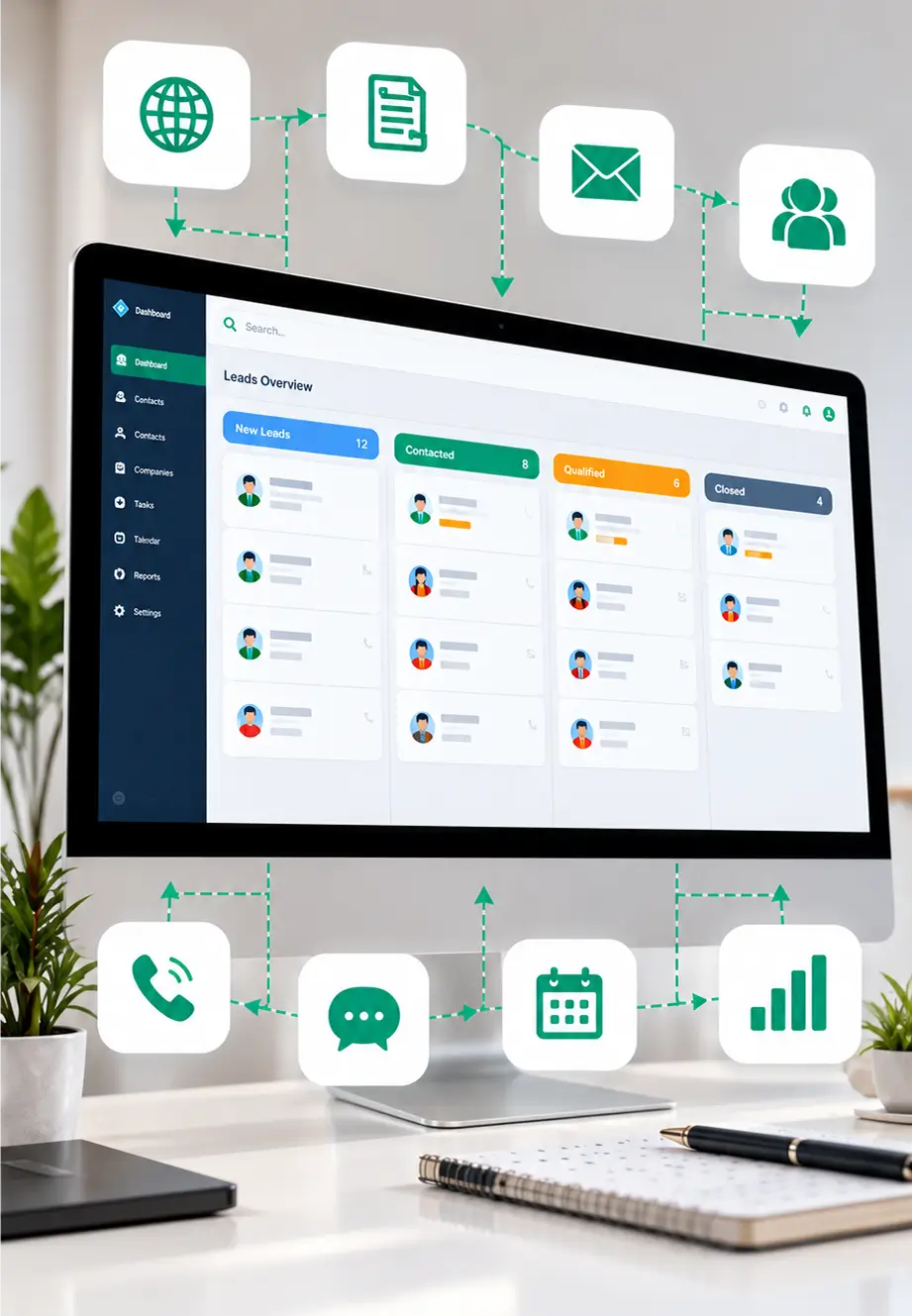
CRM Lead Automation dashboard for managing real estate inquiries and follow-up

REAL ESTATE AUTOMATION USE CASES

Where Can Real Estate CRM Automation Help Your Business?

CRM Lead Automation helps real estate businesses organize buyer and seller inquiries, assign leads, manage appointments, and maintain consistent follow-up workflows. Each process is designed around your team, CRM, and business goals.

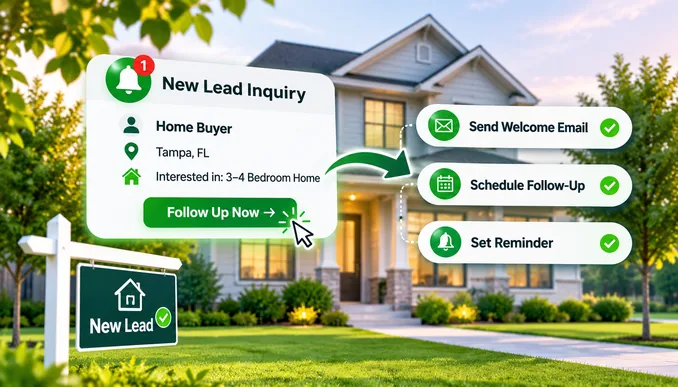
Real estate new lead follow-up with inquiry notifications and automated reminders

New Lead Follow-Up

Reply to each new inquiry quickly, then set a clear next step with a practical real estate lead follow-up plan.

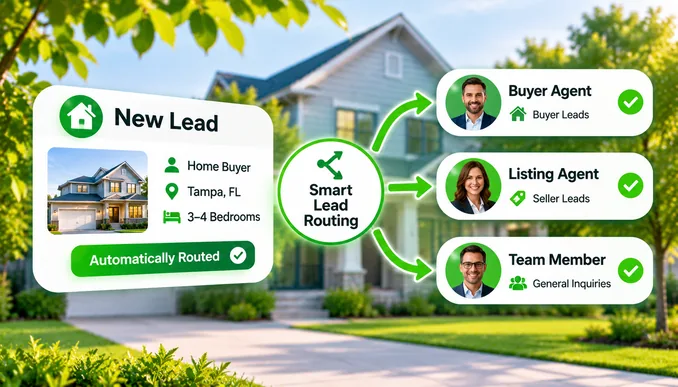
Real estate CRM smart lead routing connecting property inquiries with the right agents

Smart Routing

Assign inquiries to the right agent or team member using clear real estate team workflows and routing rules.

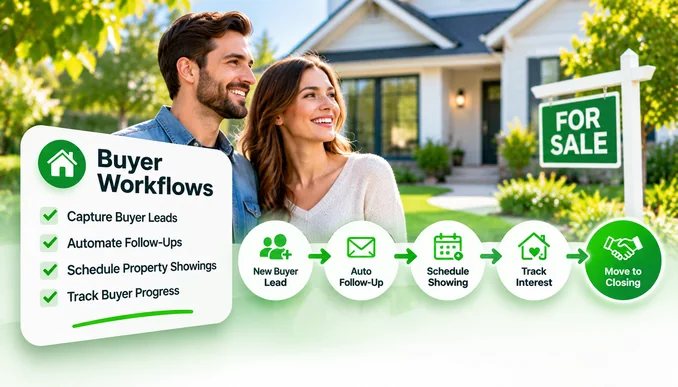
Real estate buyer workflow showing lead capture, automated follow-up, property viewings and closing

Buyer Workflows

Organize buyer inquiries, property interests, and showing requests through focused real estate landing pages.

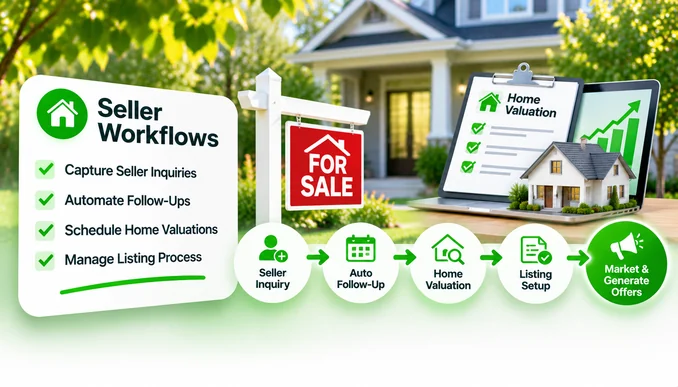
Real estate seller workflow showing inquiries, automated follow-ups, home valuations and listing management

Seller Workflows

Manage valuation requests, listing questions, and seller consultations with workflows designed for real estate agents.

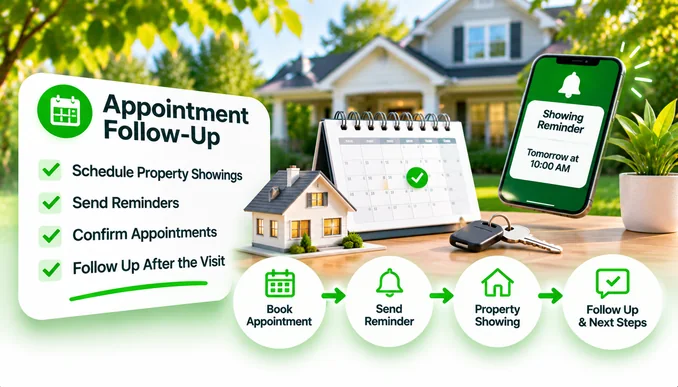
Appointment Reminders

Keep property viewings organized with booking details and reminders. Explore Google Calendar appointment scheduling.

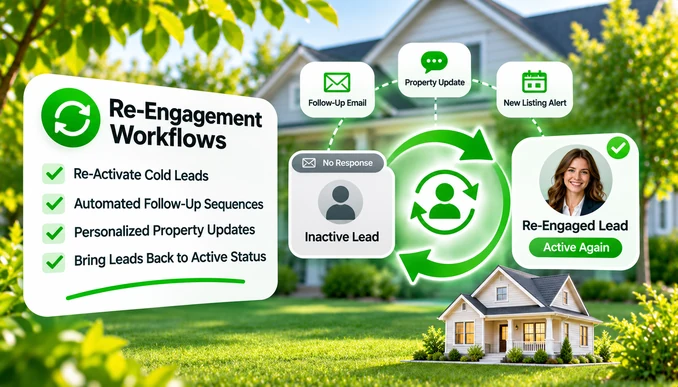
Real estate CRM re-engagement workflow reconnecting with inactive leads through automated follow-ups

Lead Re-Engagement

Reconnect with eligible inactive contacts through relevant messages and ongoing growth support.

CONNECTED LEAD SYSTEM

Connect Every Lead Source

Your website, landing pages, advertising, forms, CRM, and follow-up shouldn’t operate as disconnected systems. We help connect the pieces so lead information can move through a clearer, more organized workflow.

Website Icon
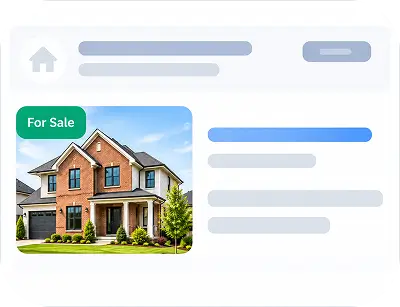
Real estate website designed to attract visitors and generate leads

Website

Attract visitors to your website.
Landing Pages Icon
Real estate landing page designed to turn targeted traffic into leads

Landing Pages

Drive traffic to focused landing pages.
Google Ads Icon
Google Ads campaign generating targeted real estate website traffic

Google Ads

Bring in targeted traffic from Google Ads.
Lead Forms Icon
Real estate lead capture form for collecting prospect inquiries

Lead Forms

Capture inquiries through forms.

CRM Icon
Real estate CRM system for organizing and managing leads

CRM

Store and organize all your leads.

Lead Routing Icon
Real estate lead routing system automatically assigning leads to the right team member

Lead Routing

Automatically route leads to the right person.

Follow-Up Icon
Real estate lead follow-up system for automated emails tasks and notifications

Follow-Up

Trigger emails, tasks and notifications.
Pipeline Icon
Real estate sales pipeline tracking leads and business opportunities

Pipeline

Track opportunities and next steps.
Conversion Icon
Real estate lead conversion system turning marketing leads into clients

Conversion

Move qualified opportunities toward a client decision.

FREQUENTLY ASKED QUESTIONS

Real Estate CRM & Lead Automation FAQs

CRM and lead automation combines your customer relationship management system with automated workflows that help capture, organize, route, and follow up with real estate leads.

Yes. We can configure supported CRM platforms around your lead sources, team structure, pipeline, sales process, and follow-up requirements.

Yes, where supported. We can connect forms on your real estate website and landing pages with your CRM so new inquiries enter your follow-up workflow.

Yes. We can create defined follow-up workflows using supported email, notifications, tasks, and other automation features.

Yes, where supported. Lead-routing rules can assign inquiries based on location, lead type, source, service, or other defined criteria. Teams using HubSpot can also review its guide to managing leads for practical examples of lead organization and assignment.

Yes, depending on the source and destination platforms. We can help plan and execute supported CRM migrations while preserving relevant contact and pipeline information.

Yes. Separate workflows can be created for buyer inquiries, seller leads, property inquiries, consultations, and other defined lead types.

Yes, where the advertising platform, CRM, and available integrations support the connection. This can help bring campaign-generated leads into your follow-up workflow.

Not necessarily. We can review your current process and recommend a suitable setup based on your requirements and available tools.

Yes. We can support CRM updates, workflow changes, integrations, and troubleshooting through our ongoing growth support.

Let's Build Your Real Estate Lead Automation System

Tell us how you currently capture, manage, and follow up with leads, and we’ll create a CRM and automation strategy tailored to your real estate business.

Get My Free Growth Strategy